As you know, Safari on iPhone and iPad does not let you download and save a vCard directly to your Address Book. When you try to go to a vCard URL, you’ll encounter a popup displaying “Safari cannot download this file”. So, you’ll have to download the vCard on your computer, send it via e-mail to yourself, and open it in Mail app to export the vCard to your Address Book. Not that convenient…

Now, Qrafter comes to your rescue. While it is primarily a QR Code reader, it has a new advanced paid feature that will let you download and open vCards from Safari. When you install Qrafter and go to a vCard URL on Safari (you may need to restart Safari altogether if you are using iPhone 3GS or iPhone 4), you’ll now see a new page, letting you open the vCard in Qrafter. Simply tap the button saying “Open in Qrafter” and your vCard will be opened. How convenient! You’ll also be able to download vCard URLs scanned from QR Codes by Qrafter.
Note: The photo in the vCard can be a BASE64 encoded photo or a URL pointing to the download location of the photo. Qrafter will either parse the BASE64 encoded photo or download it from the remote server.
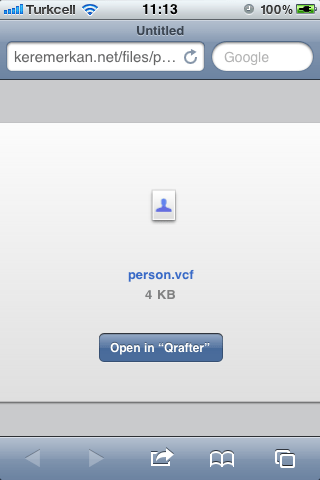
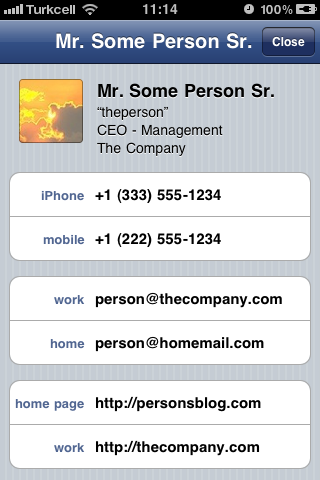
Qrafter is a free app, but saving a vCard opened this way will need the Pro Pack in app purchase which is $2.99. For a cheaper alternative, please read this post.
You can download Qrafter by clicking the badge below:



Leave a Reply to Carl Wood Cancel reply